The Art of the Alt: What Makes a Good Alt Tag (and Why Your SEO Depends on It)
You are likely uploading fresh images to your website every single week, but a quiet battle is happening right behind the scenes of your content management system. For years, digital marketers have treated the humble image alt tag as a convenient dumping ground for keyword stuffing, while web developers have viewed it strictly as a tedious technical compliance checkbox. The reality of the modern web is that treating image descriptions as an afterthought is actively hurting your business growth.
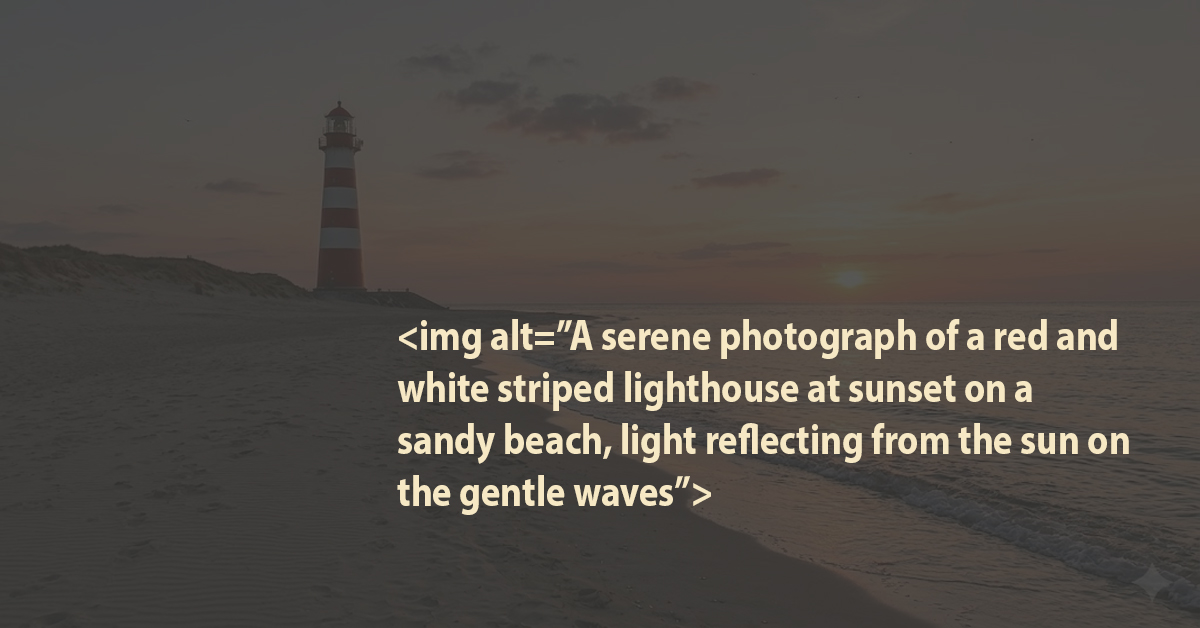
Mastering the balance between SEO and accessibility
If you are still looking at alt tags as a boring chore or a clever way to trick search engines, you are putting your website’s visibility at serious risk. Google’s algorithms are smarter than ever, and a sloppy, automated approach to image descriptions can actively damage your search engine rankings and alienate potential customers. As a business owner or marketing manager, mastering the balance between user accessibility and search engine optimisation (SEO) is no longer optional—it is a competitive necessity.
Accessibility vs. SEO: Who Wins the Ultimate Battle?
When writing alt text, people frequently ask: "Should I write this to rank higher on Google, or should I write this for web accessibility?"
The short answer is both, because they aren’t actually competing. Good alt text naturally serves both masters, but if you ever find yourself in a tie-breaker situation, accessibility wins every single time.
To understand why, we have to look at the core functions of these two concepts:
- Accessibility (The Primary Goal): Alt text is designed to read aloud what the image represents to someone using a screen reader, or to display text on screen if the image fails to load on a slow connection.
- SEO (The Side Benefit): Search engine bots cannot "see" an image the way humans do, so they read the alt text to understand what the graphic is about and index it properly in search results.
Google's own documentation explicitly states that its image recognition algorithms focus heavily on accessibility. If you write descriptive, context-aware alt text for a human being, search engines will naturally reward you for it.
The "Sweet Spot" Formula for Image Descriptions
To write text that satisfies both screen readers and Google bots, follow this simple rule: Describe the image accurately, and only include a keyword if it genuinely fits.
Let’s look at how this plays out in practice using a standard corporate image:
|
Approach
|
Alt Text Example
|
The Verdict
|
|
Bad SEO (Keyword Stuffing)
|
alt="web designer London website design agency cheap web development"
|
Terrible. It sounds like a broken robot to a screen reader user, and Google actually penalises this behaviour now.
|
|
Lazy Accessibility
|
alt="laptop on desk"
|
Too vague. It technically describes the image, but it adds zero value or context to the page.
|
|
The Sweet Spot (Both)
|
alt="A web developer reviewing responsive code on a laptop screen"
|
Perfect. It describes the exact scene for a visually impaired user and naturally includes relevant keywords like web developer and responsive code.
|
The Golden Rule of the Empty Tag: When to Say Nothing At All
One of the biggest accessibility mistakes people make is trying to optimise every single image on a webpage for SEO.
If an image is purely decorative—like a background wave, a decorative line, or a generic icon next to a text label—you should use an empty alt attribute:
HTML

An empty alt="" tells screen readers, "Skip this image, it is just decoration." If you leave the alt tag off entirely, the screen reader will read the entire, ugly image file name aloud (e.g., "image-assets-v2-final-blue-blob-dot-png"), which completely ruins the user experience.
Your Quick Alt Tag Cheat Sheet
Are you ready to audit your media library? Keep these three golden rules in mind before your team hits publish:
- Be specific and succinct: Keep your descriptions under 125 characters because some screen readers cut off after that limit.
- Drop the "Image of..." prefix: Both screen readers and search engines already know it is an image based on the HTML code. Start straight with the actual description.
- Prioritise context over literal sight: If an image of a gear icon is functioning as a clickable button, the alt text should be alt="Settings", not alt="Three-dimensional silver cog".
Connecting the Technical Dots: Why File Structure Matters
While the alt tag is the star of the show, it doesn't work in a vacuum. If you want to maximise your digital performance, you need to think about how your images are organised behind the scenes.
When managing large libraries of digital assets, treating your files with care is vital.
Clean File Names: Name your actual image files cleanly (e.g., responsive-web-design.jpg) instead of using generic camera labels like DCIM0023.jpg.
- Logical Asset Organisation: Ensure your asset sheets properly map out which images require empty alt tags and which ones drive keyword relevance.
- Streamlined Workflows: Keeping your documentation in files updated ensures your design and development teams are always aligned on accessibility goals.
Engagement Stamp: Is Your Website Leaving Money on the Table?
Ask yourself honestly: when was the last time you checked your website's image accessibility? Are you certain your team isn't still dropping keyword-stuffed strings into your product photos?
In an era where technical compliance directly impacts your search visibility, ignoring these small details is a luxury your business cannot afford. If your site isn't built for everyone, Google will eventually find a competitor whose site is.
How BBI Brandboost Can Help
Is your website truly optimised for the modern web, or are hidden technical issues holding your rankings back? At BBI Brandboost, we know that successful SEO is no longer just about keywords—it requires a seamless blend of technical performance, user experience, and policy compliance.
Our expert team can conduct a comprehensive technical and SEO audit of your digital platforms to keep you ahead of changing search landscape trends. We will identify non-compliant elements, optimise your image assets for accessibility, and highlight hidden risks before they impact your organic traffic.
Ready to build your digital presence on solid ground? Contact BBI Brandboost today to schedule your tailored SEO audit